
Questions are displayed on a questionnaire form in the order they are displayed in the Questionnaire Form Setup dialog box. You can arrange the questions by clicking the Move Up and Move Down buttons.
To arrange or move a question in a form
1. In the Questionnaire Setup dialog box, create a new form or edit a form.
The Questionnaire Form Setup dialog box appears.
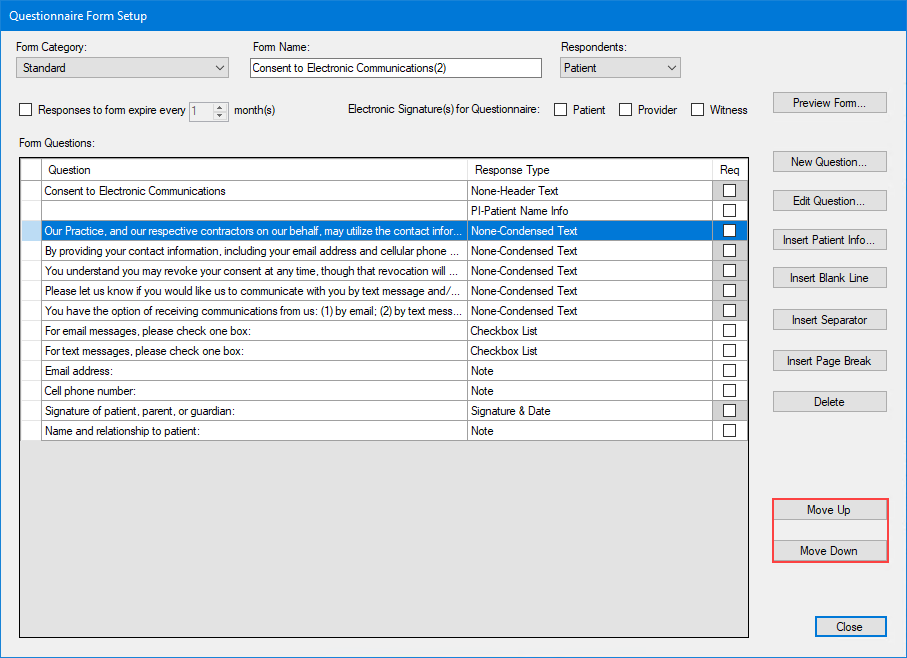
2. Select the question that you want to move.
3. Click the Move Up or Move Down buttons as many times as necessary until the question is in the position you want.